Artificial intelligence has changed the way people write, edit, research, and create digital content. AI writing tools can produce articles, emails, reports, product descriptions, social media posts, and many other types of text within seconds.
However, AI-generated content can sometimes contain unwanted formatting, invisible characters, unusual spacing, or other hidden artifacts that are not immediately obvious when reading the text.
These issues can become a problem when content is copied between AI tools, word processors, content management systems, websites, and other applications.
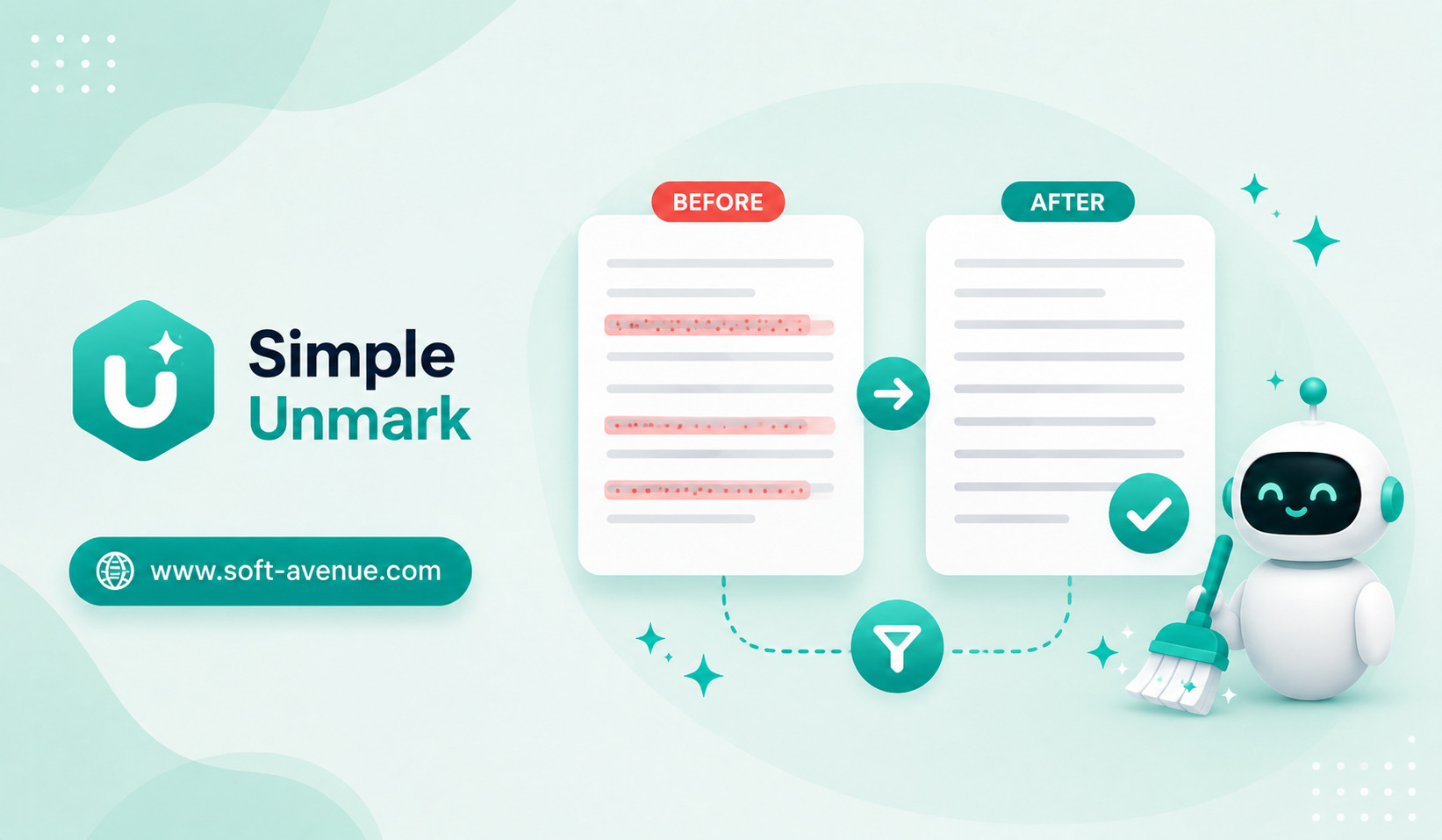
Simple Unmark represents the idea of cleaning text by removing hidden or unwanted AI-related artifacts before the content is reused or published.
The goal is straightforward: take text that may contain invisible formatting or unnecessary metadata and make it cleaner and easier to work with.
What Are Hidden AI Text Artifacts?
When people talk about AI text artifacts, they may be referring to unusual characters, formatting elements, invisible spaces, or other pieces of information that can travel with copied text.
Some of these elements may not be visible during normal reading.
For example, text copied from an AI interface may behave differently when pasted into a document or website. Extra spacing, unexpected line breaks, special Unicode characters, formatting instructions, or other hidden elements can sometimes appear.
These artifacts are not necessarily evidence that text was generated by AI. Similar issues can occur when copying content from websites, PDFs, word processors, messaging applications, or other digital sources.
The important point is that hidden text artifacts are primarily a formatting and content-cleaning issue.
Why Clean Text Matters
Clean text is important for anyone who regularly moves content between different applications.
A writer may generate an article with AI, edit it in a document, and then publish it through a content management system.
A marketer might copy AI-generated campaign copy into an email platform.
A developer may paste AI-generated text into documentation or code comments.
If unwanted characters or formatting are carried along, they can cause unexpected results.
Cleaning the text before publishing can reduce these problems.
How Simple Unmark Fits Into AI Workflows
Simple Unmark can be viewed as part of a broader AI content-cleaning workflow.
The process can be simple:
- Generate or collect text.
- Review and edit the content.
- Remove unwanted hidden artifacts.
- Format the cleaned text for its destination.
- Publish or reuse it.
This creates a separation between content generation and content preparation.
AI can help create the initial material, while a cleaning step helps ensure that the final text is technically clean and suitable for its destination.
Invisible Characters Can Cause Problems
Computers do not always treat every character the same way.
Two pieces of text may look identical to a person but contain different underlying characters.
For example, a normal space and a special Unicode space may appear almost identical. Yet software can interpret them differently.
The same applies to quotation marks, dashes, line breaks, and other characters.
When content is moved between systems, these differences can sometimes create unexpected behavior.
A text-cleaning tool can help normalize such content.
AI Content and Copy-Paste Workflows
Copying text from AI assistants is now a common part of digital work.
A user may ask AI to draft a blog introduction, rewrite a paragraph, summarize research, or create a product description.
The result is then copied into another application.
Every transfer creates an opportunity for formatting inconsistencies to appear.
A cleaning step can therefore be useful before content reaches its final destination.
This is especially relevant for people who work with large amounts of AI-assisted content every day.
Useful for Website Publishing
Website owners regularly copy content into content management systems.
Even when the visible text looks correct, hidden formatting can sometimes affect how a page behaves.
Unwanted characters may create inconsistent spacing, unexpected formatting, or other small problems.
For SEO-focused publishers, maintaining clean HTML and readable content is particularly important.
Cleaning text before adding it to a website can help reduce unnecessary formatting and make the publishing process more predictable.
Helpful for Bloggers and Content Writers
Bloggers may use multiple AI tools during the writing process.
One application may be used for brainstorming, another for editing, and another for research.
Content can move through several systems before it reaches the final article.
Simple text-cleaning tools can be useful at the end of this process.
Writers can focus on the quality and originality of the article while also checking that the final text is clean and properly formatted.
This can become part of a standard pre-publication checklist.
AI Artifacts Are Not the Same as AI Detection
An important distinction should be made between cleaning AI text artifacts and detecting AI-generated writing.
Removing hidden characters or formatting does not make human-written or AI-generated content automatically become something else.
Likewise, the presence of unusual characters does not prove that a text was written by AI.
AI detection is a separate and much more complicated task.
A cleaning tool should therefore be viewed as a formatting and text-hygiene solution rather than a reliable AI detector or a method for disguising authorship.
Why Text Normalization Is Useful
Text normalization involves making text more consistent.
This may include standardizing spaces, line breaks, punctuation, and certain character types.
Normalization can be useful when information is processed by software.
For example, search systems may behave differently depending on the underlying characters. Databases and scripts may also interpret unexpected characters differently.
Clean and normalized text can make downstream processing more predictable.
Benefits for Developers
Developers frequently work with AI-generated content.
AI coding assistants can generate documentation, comments, configuration explanations, commit messages, and other text.
Developers may also copy information from documentation and AI conversations into project files.
Unexpected Unicode characters or formatting can sometimes create problems.
A text-cleaning step can help ensure that content contains only the characters and formatting needed for the intended application.
This is particularly useful in workflows where text is processed automatically.
Cleaning Text for Data Processing
AI-generated text can also become part of larger datasets.
Businesses may collect product descriptions, customer-facing content, research notes, or internal documents.
If these materials are processed automatically, inconsistent characters can complicate analysis.
Text-cleaning tools can help normalize information before it enters a database, search index, analytics system, or AI pipeline.
This creates cleaner input for downstream applications.
Privacy Considerations
When using any online text-cleaning service, users should consider what information they are submitting.
Text may contain confidential business information, personal details, proprietary research, or unpublished content.
Users should understand how the service processes submitted text and whether the information is stored.
For sensitive documents, a local text-cleaning workflow may be preferable when available.
The principle is simple: do not send sensitive information to a service unless you are comfortable with how that service handles it.
Human Review Still Matters
Cleaning text does not replace editing.
A technically clean article can still contain incorrect information, awkward wording, repetition, or weak arguments.
AI-generated content should be reviewed for factual accuracy, relevance, tone, originality, and usefulness.
The cleaning stage should therefore happen alongside normal editorial review.
A good publishing workflow combines AI assistance, human editing, fact-checking, and technical cleanup.
Common Situations Where Text Cleaning Helps
There are many everyday situations where clean text can be useful.
A writer might remove unwanted formatting before publishing a blog post. A marketer could clean copy before adding it to an email campaign. A developer might normalize text before placing it into documentation.
Students and researchers may also benefit when transferring notes between different applications.
The value comes from eliminating small technical problems before they become larger workflow issues.
The Future of AI-Assisted Content Workflows
As AI becomes more common in writing and productivity software, text-cleaning tools may become increasingly useful.
The future content workflow may involve several specialized AI systems: one for research, another for writing, another for editing, and another for formatting or quality checks.
This means content will move between more systems than ever.
Tools that help maintain clean, consistent text can become a useful part of this ecosystem.
Final Thoughts
Simple Unmark represents the growing need for cleaner text workflows in an AI-assisted digital environment.
AI can dramatically speed up writing and content creation, but generated text may sometimes contain unwanted formatting, unusual characters, or other artifacts that become visible when content is transferred between applications.
Cleaning and normalizing text can help make content easier to publish, process, and reuse.
However, it is important to distinguish text cleanup from AI detection. Removing hidden characters does not prove authorship or make AI-generated writing human-written.
The best approach is to use tools such as Simple Unmark as part of a broader content workflow that includes human editing, fact-checking, formatting, and quality control.
As more people use AI to create digital content, clean text will become an increasingly important part of keeping modern publishing workflows reliable and consistent.
