
Artificial intelligence has become a powerful tool for searching, summarizing, analyzing, and organizing information. However, many AI assistants are primarily designed to work with information provided through a conversation or retrieved from online sources.
For people who work with large collections of personal or business documents, this can create a problem.
Important information may already exist on a computer in PDFs, Word documents, notes, presentations, spreadsheets, project files, and other formats. Finding the right file or searching through hundreds of documents manually can take considerable time.
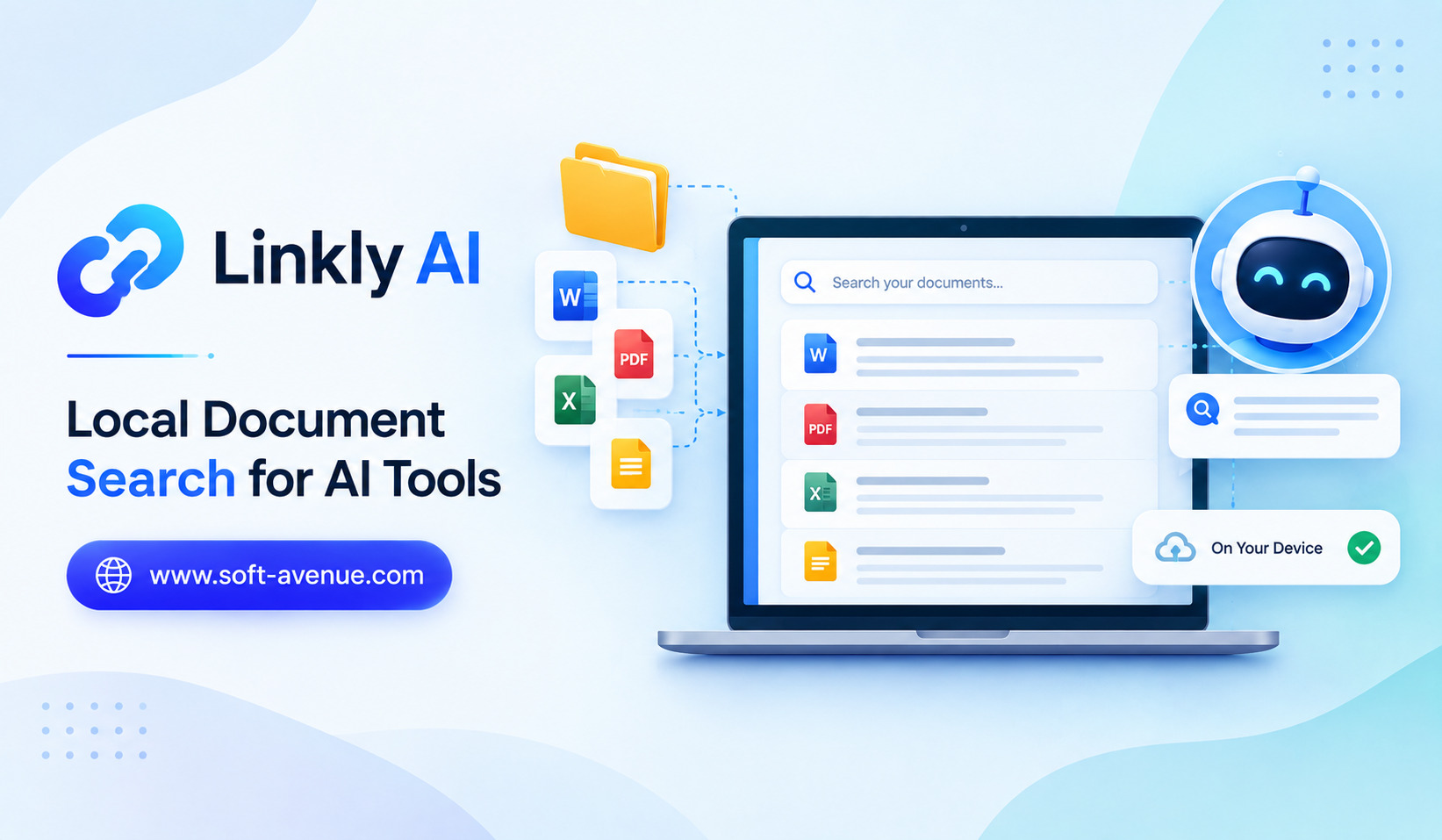
Linkly AI represents an approach to making AI tools more useful by connecting them with local document search. Instead of relying only on information available online, AI can potentially work with documents stored locally on a user’s device.
This concept can make personal knowledge easier to find while giving users a more direct way to interact with information they already have.
What Is Linkly AI?
Linkly AI can be understood as an AI-focused approach to searching and accessing documents stored locally.
Traditional file search systems are useful when you know a filename or remember a specific phrase. But they can become less effective when you are looking for information based on meaning rather than exact words.
For example, you may remember that a document contains information about a client’s previous project but forget the file’s name.
A local AI search system can make this type of search more natural by allowing users to describe what they are looking for.
Instead of searching only for filenames, users can potentially search for concepts, topics, or relevant information within their documents.
Why Local Document Search Matters
People accumulate large amounts of digital information over time.
A laptop may contain years of work documents, receipts, presentations, research papers, meeting notes, contracts, project files, images, and personal records.
As the collection grows, finding a specific piece of information becomes increasingly difficult.
Cloud storage services provide search functionality, but users may still need to remember keywords or browse through folders.
AI-powered local search offers another possibility: searching based on the meaning and context of the information.
This can make large personal document collections more accessible.
How AI Can Search Local Documents
The basic process involves making documents searchable and then allowing an AI system to retrieve relevant information when a user asks a question.
Suppose a user has several years of project documentation stored on a computer.
Instead of opening individual files, the user could ask a question such as:
“Find the documents that discuss the pricing changes from our previous project.”
An AI-powered search system can potentially identify relevant documents or passages based on their content.
The user can then inspect the source material and use the retrieved information for further analysis.
The exact capabilities depend on how the particular system indexes and processes local files.
Semantic Search vs Traditional File Search
Traditional search generally depends heavily on keywords.
If you search for a specific word, the system looks for documents containing that word.
Semantic search works differently.
It attempts to understand the meaning behind a query and identify information that is conceptually related.
For example, searching for “employee travel expenses” could potentially find a document that discusses “business trip reimbursement” even if the exact phrase “employee travel expenses” does not appear.
This can make AI-powered search particularly useful when users remember the idea but not the exact wording.
Working With PDFs and Business Documents
Businesses often store important information in PDF files and office documents.
These may include reports, proposals, invoices, meeting notes, product documentation, research, and internal guides.
Finding a particular detail manually can be time-consuming, especially when a document collection contains hundreds or thousands of files.
Local document search can provide a more efficient way to locate relevant information.
For example, an employee could search for information about a previous customer agreement without opening every document individually.
This can reduce the amount of time spent on information retrieval.
Privacy Benefits of Local AI Search
One of the most interesting aspects of local document search is the potential privacy advantage.
When sensitive documents remain on the user’s device, there can be less need to upload entire files to an external service simply to find information.
This can be particularly relevant for businesses handling confidential material.
However, users should not automatically assume that every local AI tool is completely private.
They should understand how the application processes documents, whether information is sent to external AI services, what data is stored, and what permissions the software requires.
The term “local” can describe different architectures, so reviewing the product’s privacy documentation remains important.
Useful for Personal Knowledge Management
Local AI search can also become a personal knowledge-management tool.
Many people save information but rarely use it because finding the right document later is difficult.
A searchable personal knowledge base can make old information more useful.
Students could search lecture notes and research papers. Writers could find previous drafts and reference material. Professionals could retrieve information from old projects.
Instead of allowing useful knowledge to disappear into folders, AI search can make it easier to bring that information back into the workflow.
Helping AI Tools Understand Your Own Information
Generic AI assistants are trained to work with broad information, but they may not know the details of your private projects, documents, or internal processes.
Connecting an AI tool to local documents can provide additional context.
For example, a business might have internal product documentation that is not available publicly.
An AI assistant working with those documents could potentially answer questions based on the company’s own information.
This creates a more personalized AI experience.
The AI is no longer working only with general knowledge. It can potentially work with information specific to the user’s environment.
Local Search for Developers
Developers can also benefit from local document search.
Software projects often contain documentation, configuration files, technical notes, design documents, logs, and code.
Finding relevant information across a large project can become difficult as the codebase grows.
AI-powered search can help developers locate relevant files or understand where specific information is stored.
For example, a developer might ask where authentication behavior is documented or which project files discuss a particular feature.
This can reduce the time spent manually navigating large repositories.
Local AI Search for Researchers and Students
Research involves working with large amounts of information.
Students may have lecture notes, academic papers, books, assignments, and research material stored across different folders.
Researchers may maintain extensive collections of papers and reference documents.
AI-powered local search can help users locate relevant passages without remembering the exact filename or wording.
This does not replace careful reading or academic evaluation, but it can make information discovery faster.
AI Search and Retrieval-Augmented Workflows
Local document search also connects with a broader AI concept known as retrieval-augmented generation, or RAG.
In a retrieval-based workflow, an AI system first finds relevant information and then uses that information as context when generating a response.
A local document collection can therefore become a private knowledge source for an AI assistant.
Instead of asking an AI model to answer a question from general knowledge, the application can first retrieve relevant documents and then generate an answer based on those sources.
This can improve relevance when the user’s own information is more important than general internet knowledge.
Challenges of Local Document Search
Local AI search also has technical challenges.
The first is indexing. A system needs to process documents so that they can be searched efficiently.
Another challenge is accuracy. Search results need to identify genuinely relevant information rather than simply matching loosely related topics.
Different document formats can also create complications. PDFs, scanned documents, images, spreadsheets, and handwritten notes may require different processing methods.
There is also the issue of system resources. Depending on the technology used, local AI processing can require significant storage, memory, or computing power.
Security and Access Control
Local documents can contain highly sensitive information.
If an AI application has access to those files, users should understand what permissions it has.
A useful system should ideally make it clear which folders or documents are indexed and accessible.
Businesses may also need additional controls to prevent employees from unintentionally exposing confidential information through AI queries.
Security should therefore be considered part of the overall implementation rather than an afterthought.
The Future of Personal AI Search
Local document search could become a major component of personal AI assistants.
Instead of asking an AI assistant to remember information manually, users could allow it to work with their existing digital knowledge.
A future personal AI system could potentially search documents, emails, notes, calendars, projects, and other sources to provide contextual assistance.
The challenge will be creating systems that are powerful enough to understand personal information while still respecting privacy and user control.
Final Thoughts
Linkly AI represents an important direction in AI productivity: making personal and business documents easier to search using AI.
Local document search can help users find information based on meaning rather than relying entirely on filenames or exact keywords. This can be valuable for professionals, developers, students, researchers, and anyone managing large collections of digital files.
The potential privacy benefits are also significant, particularly when sensitive information can remain under the user’s control. However, users should always understand how a particular AI tool processes local documents and whether information is transmitted externally.
As AI assistants become more personalized, access to a user’s own information will become increasingly important. Local document search provides one possible foundation for that future, turning scattered files into a more searchable and useful personal knowledge base.
