Artificial intelligence is changing how people create documents, analyze information, and complete everyday office work. Tasks that once required manually writing content, organizing data, creating formulas, or summarizing reports can increasingly be supported by AI.
However, one challenge remains: people often have to move between different applications to use AI.
You may write a document in Google Docs, analyze information in Google Sheets, and then open a separate AI chatbot to ask for help. After receiving an answer, you copy the result back into your workspace.
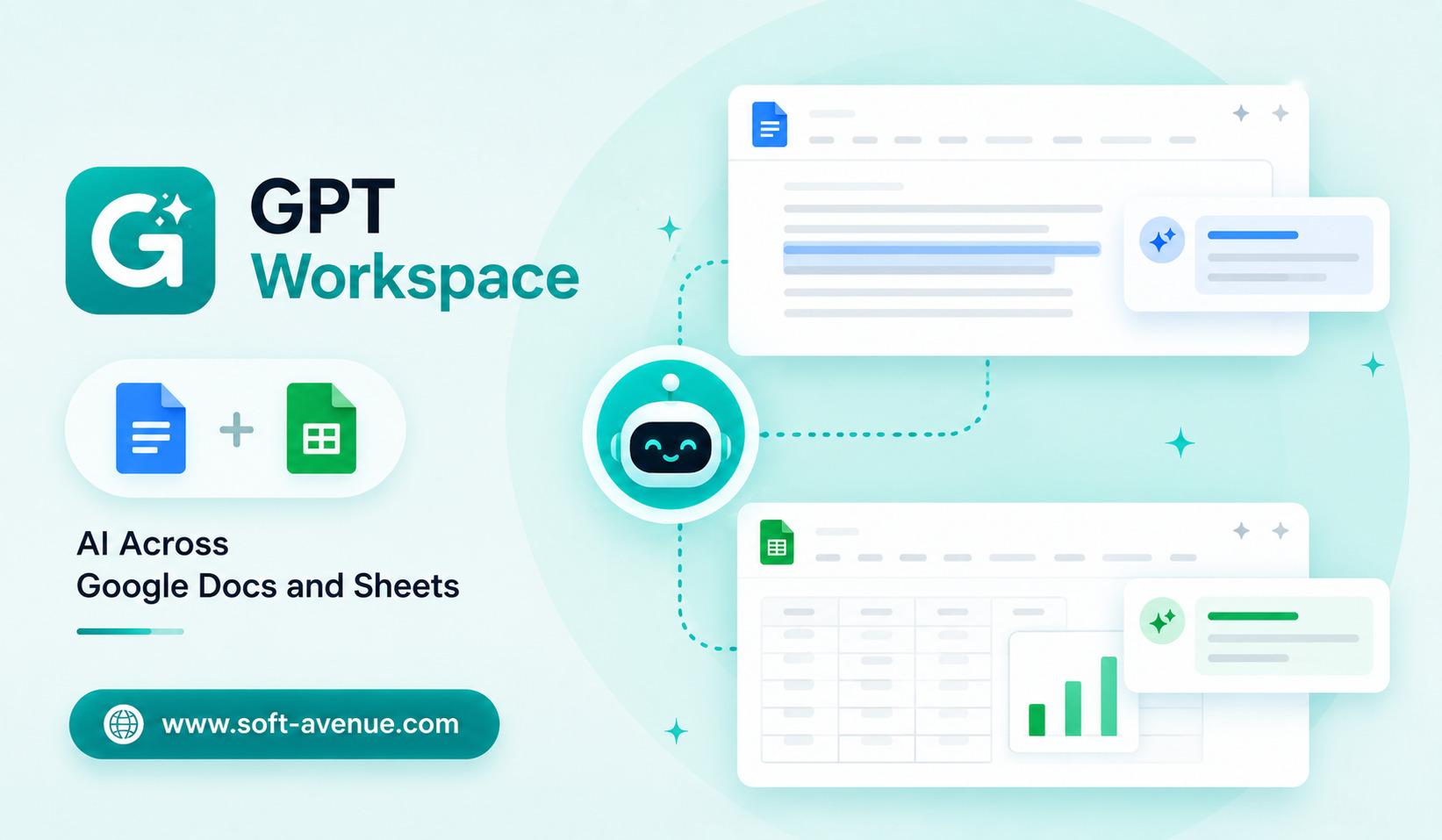
GPT Workspace represents a more integrated approach to AI productivity, where AI assistance can be used alongside familiar tools such as Google Docs and Google Sheets.
The idea is simple: instead of treating AI as a separate destination, bring AI closer to the documents and spreadsheets where work is already happening.
What Is GPT Workspace?
GPT Workspace can be understood as an AI productivity approach that connects AI capabilities with everyday workspace applications, particularly Google Docs and Google Sheets.
Google Docs is commonly used for writing reports, proposals, notes, articles, emails, and other documents. Google Sheets is widely used for calculations, data organization, budgets, tracking, reporting, and analysis.
Both applications can involve repetitive work.
AI can help users draft text, rewrite content, summarize information, analyze spreadsheet data, generate formulas, and organize information more efficiently.
The main advantage of an integrated AI workspace is reducing the need to constantly switch between applications.
Why AI Integration Matters
A standalone chatbot can be powerful, but context switching can slow people down.
Imagine working on a business report in Google Docs. You want to summarize a section and create a shorter version for an executive audience.
A traditional workflow might involve copying the text into an AI chatbot, requesting a summary, copying the result, and returning to the document.
An integrated AI experience can make this process more direct.
The same principle applies to spreadsheets.
Instead of manually explaining a dataset to an AI system, users can potentially ask questions while working with the relevant spreadsheet.
This makes AI more useful as part of the workflow rather than as a separate application.
Using AI in Google Docs
Writing is one of the most obvious areas where AI can provide assistance.
Users regularly need to create first drafts, rewrite paragraphs, improve clarity, summarize documents, change tone, or generate ideas.
An AI assistant working alongside Google Docs can potentially help with these tasks.
For example, a user could start with a rough set of notes and ask AI to turn them into a structured business proposal.
Another user might have a long document and need a concise summary.
AI can also help rewrite content for different audiences.
A technical explanation could be simplified for customers, while a casual draft could be converted into a more professional communication.
The key benefit is speed.
Instead of starting from an empty page, users can work from an AI-generated first version and then refine it.
AI Assistance for Editing
AI can be useful even when the user has already written the content.
Editing can involve checking grammar, improving sentence structure, reducing repetition, and making ideas easier to understand.
An AI workspace can provide suggestions while keeping the content in the document environment.
This can be especially useful for teams that produce large amounts of written material.
Marketing teams, sales departments, students, consultants, and business owners can all spend significant amounts of time editing documents.
AI can help reduce the repetitive part of this process while leaving the final editorial decisions to humans.
Using AI in Google Sheets
Spreadsheets are another area where AI can provide significant assistance.
Google Sheets can contain hundreds or thousands of rows of information. Users may need to calculate totals, categorize data, identify trends, or create reports.
Some spreadsheet tasks require knowledge of formulas.
For beginners, even relatively simple formulas can be confusing.
AI can potentially help generate formulas based on a natural-language request.
For example, instead of searching online for the correct spreadsheet formula, a user could explain what they want to calculate and receive a suggested formula.
The user should still check that the formula works correctly before relying on it.
Analyzing Spreadsheet Data With AI
AI can also make data analysis more accessible.
Suppose a spreadsheet contains monthly sales information.
A user may want to know which month had the strongest growth, which products generated the most revenue, or whether sales are improving over time.
Rather than manually reviewing every row, an AI assistant can potentially help identify patterns and explain the results.
This can be especially valuable for people who understand their business but do not have advanced data-analysis skills.
AI becomes a bridge between raw spreadsheet data and understandable insights.
Creating Reports From Spreadsheet Data
Many businesses regularly turn spreadsheet information into written reports.
For example, a sales manager may have monthly performance data in Sheets and need to prepare a summary for company leadership.
An AI-powered workflow can potentially help convert important figures into readable explanations.
The user could review the data, identify key metrics, and use AI to create a first draft of the report.
This can reduce the time spent moving information manually between spreadsheets and documents.
AI for Business Productivity
The combination of documents and spreadsheets makes AI particularly useful for business workflows.
Consider a small company preparing a quarterly business review.
The team may have sales data in Sheets, customer notes in Docs, and planning information in additional files.
AI can potentially help summarize information, organize findings, draft reports, and identify patterns.
This can reduce repetitive administrative work.
For small teams without dedicated analysts or large administrative departments, these productivity improvements can be particularly valuable.
Helping Non-Technical Users
One of the biggest advantages of AI-assisted workspaces is accessibility.
People do not need to become programmers to benefit from AI.
A person who understands what they want from a spreadsheet can describe the task in ordinary language.
Similarly, someone who knows what they want to communicate in a document can ask AI to help structure or rewrite the content.
This changes the role of AI from a specialized technology into a more general workplace assistant.
AI and Collaboration
Google Docs and Sheets are widely used for collaborative work.
Teams can work on the same document or spreadsheet while sharing information and making changes.
AI can potentially support this collaborative environment by helping individuals prepare content, summarize information, or analyze data.
However, teams should establish clear guidelines around AI-generated content.
Employees should know when AI can be used, what information should not be entered into AI systems, and who is responsible for reviewing the final output.
Accuracy Still Matters
AI-generated content should not automatically be considered correct.
In Google Docs, AI may produce incorrect facts, awkward wording, or unsupported claims.
In Google Sheets, an incorrect formula or misunderstood dataset can lead to inaccurate conclusions.
This is particularly important for financial reports, business decisions, customer information, and other sensitive workflows.
Users should verify important outputs before sharing or acting on them.
AI should accelerate work, not eliminate the need for review.
Privacy and Security
Documents and spreadsheets can contain confidential information.
Businesses may store customer information, financial data, internal strategies, employee details, and proprietary research in their workspace.
Before using an AI tool with this information, organizations should understand how the service handles data.
Companies should also establish permissions and policies that determine which information can be processed by AI.
Privacy considerations become even more important when employees use multiple AI applications independently.
Reducing App Switching
One of the strongest arguments for an AI workspace is convenience.
Every time users move between applications, they have to recreate context.
They may need to explain what they are working on, copy information, and transfer the result back.
An AI assistant integrated into the workspace can potentially reduce this friction.
The user remains focused on the document or spreadsheet while AI provides assistance in the same working environment.
This may seem like a small improvement, but repeated across dozens of tasks, it can have a meaningful effect on productivity.
The Future of AI Workspaces
The future of workplace AI is likely to involve deeper integration with the software people already use.
Instead of opening a separate AI application for every task, employees may increasingly interact with AI directly inside their productivity tools.
Documents could become intelligent writing environments, while spreadsheets could become conversational data-analysis tools.
Users may simply describe what they want and let AI handle some of the technical steps.
This could make advanced capabilities available to a much wider range of users.
Final Thoughts
GPT Workspace represents the broader movement toward using AI directly inside everyday productivity environments such as Google Docs and Google Sheets.
For document work, AI can help with drafting, editing, summarizing, and restructuring content. For spreadsheets, it can potentially assist with formulas, data analysis, organization, and reporting.
The biggest benefit is not simply automation. It is reducing the distance between a user’s idea and the software used to execute it.
At the same time, AI-generated content and calculations still require human review. Accuracy, privacy, security, and appropriate data handling should remain priorities.
As AI becomes more deeply integrated into productivity software, the traditional boundary between “working” and “using AI” may gradually disappear. Instead, AI could become a background layer that helps people write, analyze, organize, and make better use of the information already inside their everyday workspace.
