AI assistants are becoming much more useful when they can understand more than a simple text prompt. Instead of asking users to copy information into a chatbot, newer AI tools can work with the content already open on a computer or browser.
This idea is often described as screen-aware AI assistance.
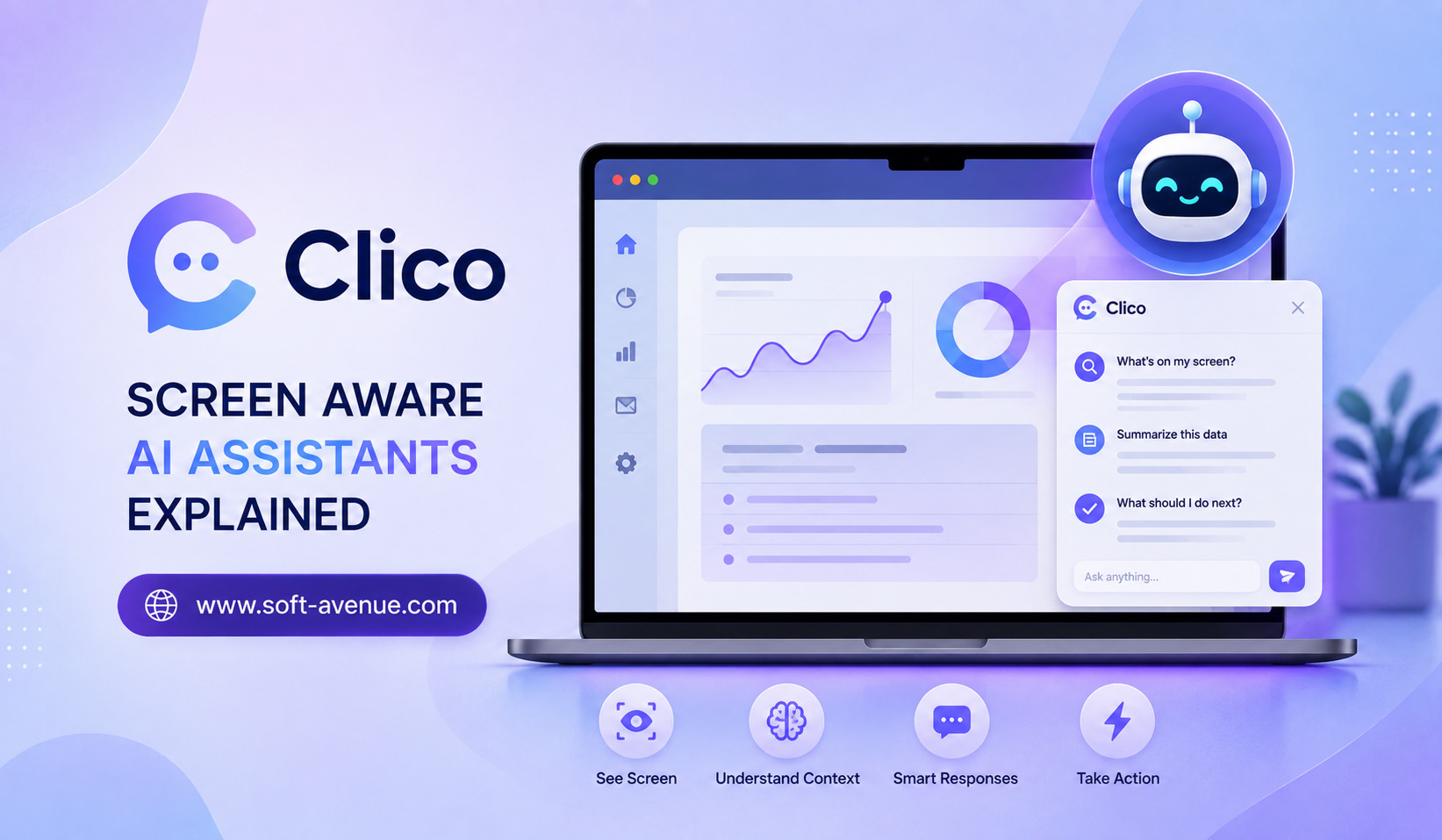
A screen-aware assistant can use relevant visual or contextual information from the user’s current screen to help answer questions, summarize content, write responses, understand interfaces, or complete tasks. Clico is an example of this approach, bringing AI closer to the work a person is already doing.
Clico’s current products span Mac desktop, Chrome, and web experiences. Its Mac desktop application can work with screen context, applications, files, and audio, while its Chrome extension can use the active page, selected text, screenshots, images, and other context chosen by the user.
What Is a Screen-Aware AI Assistant?
A traditional chatbot generally waits for you to describe what you need.
If you are looking at a complicated chart, for example, you might need to take a screenshot, upload it, explain what you want to know, and then wait for an answer.
A screen-aware AI assistant can make this process more direct.
The assistant can use relevant information from the screen or current application as context. Instead of explaining everything manually, the user can point the AI toward the information they want it to understand.
This creates a more natural relationship between the person, the software they are using, and the AI assistant.
How Clico Uses Screen Context
Clico is designed around the idea that AI should stay close to the work instead of forcing users to constantly switch between applications.
On Mac, Clico Desktop can work across applications and use screen content, local files, audio, and other selected context. Users can grant permissions such as Screen Recording when screen context is required and Accessibility when interaction with application controls is needed.
In Chrome, the assistant can work with the current webpage, selected text, screenshots, images, and open tabs that the user chooses to include.
This makes the surrounding digital environment part of the AI interaction.
Understanding the “Screen Aware” Concept
Being screen-aware does not necessarily mean that an AI assistant constantly watches everything happening on a computer.
A more useful approach is context on demand.
The user decides what information the assistant needs for a particular task.
For example, if you are reading an article and want a quick explanation of one paragraph, you can select the relevant text. If you are looking at a visual design, you may provide a screenshot or point the assistant toward a specific area.
Clico’s Chrome experience supports selected text and page context, while its Magic Cursor feature can capture a specific part of a webpage such as a chart, image, table, design, error message, or user-interface element.
This approach can reduce unnecessary information and make AI interactions more focused.
Why Screen-Aware AI Can Be Useful
One of the biggest benefits is convenience.
People already have the information they need on their screen. The problem is getting that information into an AI assistant.
Traditional workflows often involve copying text, switching tabs, taking screenshots, uploading files, and explaining the context.
A screen-aware assistant can reduce some of these steps.
This can be particularly useful when the information is difficult to copy, such as a visual layout, chart, application interface, image, or complex webpage.
AI Assistance While Reading
Reading is one area where screen-aware AI can provide significant value.
Imagine opening a long research article and encountering a paragraph that is difficult to understand. Instead of copying the paragraph into another AI application, you can ask the assistant to explain the selected text.
The same concept can apply to documentation, emails, reports, online articles, and other web content.
Clico also supports page and PDF summarization, allowing users to extract important information from longer material and continue asking follow-up questions.
This can turn passive reading into a more interactive process.
Understanding Images, Charts and Interfaces
Text is not the only information available on a screen.
Modern digital work involves dashboards, presentations, charts, product designs, diagrams, screenshots, and application interfaces.
A screen-aware assistant can help users ask questions about these visual elements.
For example, a designer might want feedback on a visible interface. A student could ask for an explanation of a chart. A developer might need help understanding an error shown inside an application.
Clico’s visual context capabilities are designed for these types of interactions, including screenshots and specific areas of a page.
Screen-Aware AI for Writing
Another practical use is writing.
People frequently write emails, documents, comments, social posts, reports, and messages while browsing the web.
Instead of opening a separate chatbot, describing the situation, generating text, and copying it back, an integrated assistant can work directly with the active text field.
Clico’s Chrome extension can help draft and rewrite text in places such as Gmail, Google Docs, LinkedIn, Notion, and other browser-based text fields. It can also insert generated text into the active field through its Auto Typer functionality.
This makes AI assistance part of the writing environment rather than a separate destination.
Using Multiple AI Models
Another interesting part of Clico’s approach is that users can work with multiple AI models.
Its current web experience lists models from providers including OpenAI, Anthropic, Google, Moonshot AI, and xAI, while its Chrome experience supports switching among leading models such as GPT, Claude, and Gemini.
This can be useful because different AI models may perform differently depending on the task.
Instead of rebuilding the context every time, users can keep the relevant information close while selecting an appropriate model.
Screen Awareness and Productivity
The real productivity advantage comes from reducing friction.
Switching between applications may seem insignificant during a single task, but repeated context switching can consume time.
Consider a typical workflow:
You read an email, open an AI chatbot, explain the email, generate a response, copy the response, return to your email application, and paste it.
A context-aware assistant can shorten this process.
The email remains open, the AI works with the relevant context, and the generated response can be placed where it is needed.
This principle applies beyond email to research, writing, documentation, customer support, and other browser-based workflows.
Privacy and Permission Considerations
Screen-aware AI naturally raises privacy questions.
An assistant that can access screen content potentially has visibility into sensitive information. Users should therefore understand which permissions are enabled and what information is being shared.
Clico’s Mac documentation specifically explains that Screen Recording provides screen context and Accessibility enables interaction with app controls. It also recommends keeping unrelated sensitive content out of view when preparing a task.
This highlights an important principle for all screen-aware AI systems: context should be intentional.
Users should avoid giving AI access to information that is not necessary for the task.
Screen-Aware AI vs Traditional Chatbots
The difference is primarily about context.
A traditional chatbot typically requires users to provide the relevant information through text, attachments, or other inputs.
A screen-aware assistant can potentially obtain context from the environment in which the user is already working.
That does not make one approach universally better.
Traditional chatbots remain useful for general questions, brainstorming, research, and conversations that do not depend on what is currently on the screen.
Screen-aware assistants become particularly useful when the task depends heavily on the user’s current digital environment.
The Future of Screen-Aware AI Assistants
Screen awareness could become an important part of the next generation of AI assistants.
As computers become increasingly integrated with AI, assistants may become less like separate chat applications and more like intelligent layers across the software people already use.
Instead of asking, “How do I explain this to the AI?”, users may simply point to something and ask, “What does this mean?” or “Help me fix this.”
The challenge will be maintaining a balance between usefulness and privacy. AI assistants need enough context to help effectively without collecting more information than necessary.
Final Thoughts
Clico demonstrates how screen-aware AI can bring assistance closer to the user’s actual workflow.
Rather than requiring people to constantly copy information into a separate chatbot, the assistant can work with selected screen content, webpages, images, files, and application context. This can make tasks such as reading, writing, research, visual analysis, and productivity more convenient.
The most important idea is not simply that AI can “see” a screen. It is that AI can become more useful when it understands the context surrounding the user’s current task.
As screen-aware technology develops, AI assistants may increasingly work alongside people rather than waiting for them to move information into a separate interface. Clico’s approach offers a glimpse of that more contextual and integrated style of AI assistance.
